
How it works

When you come home, your phone can too.

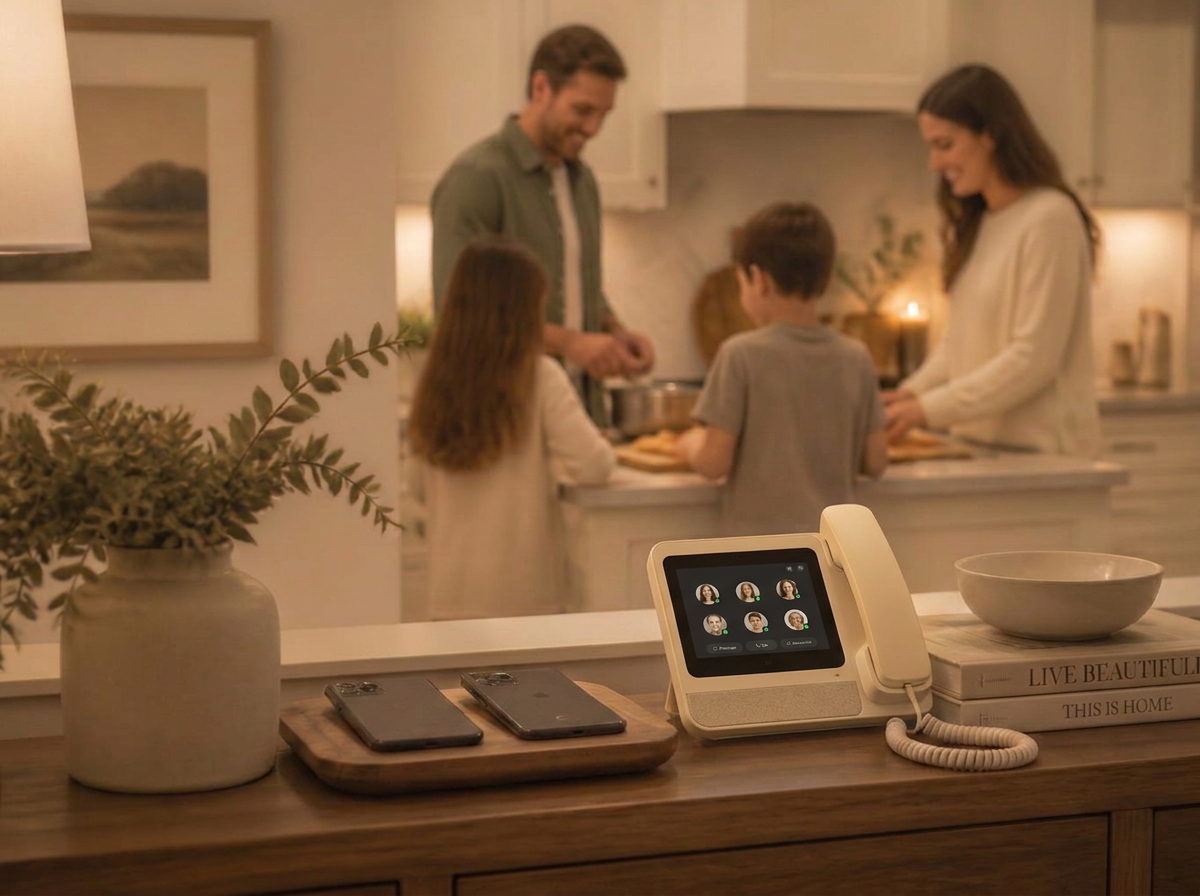
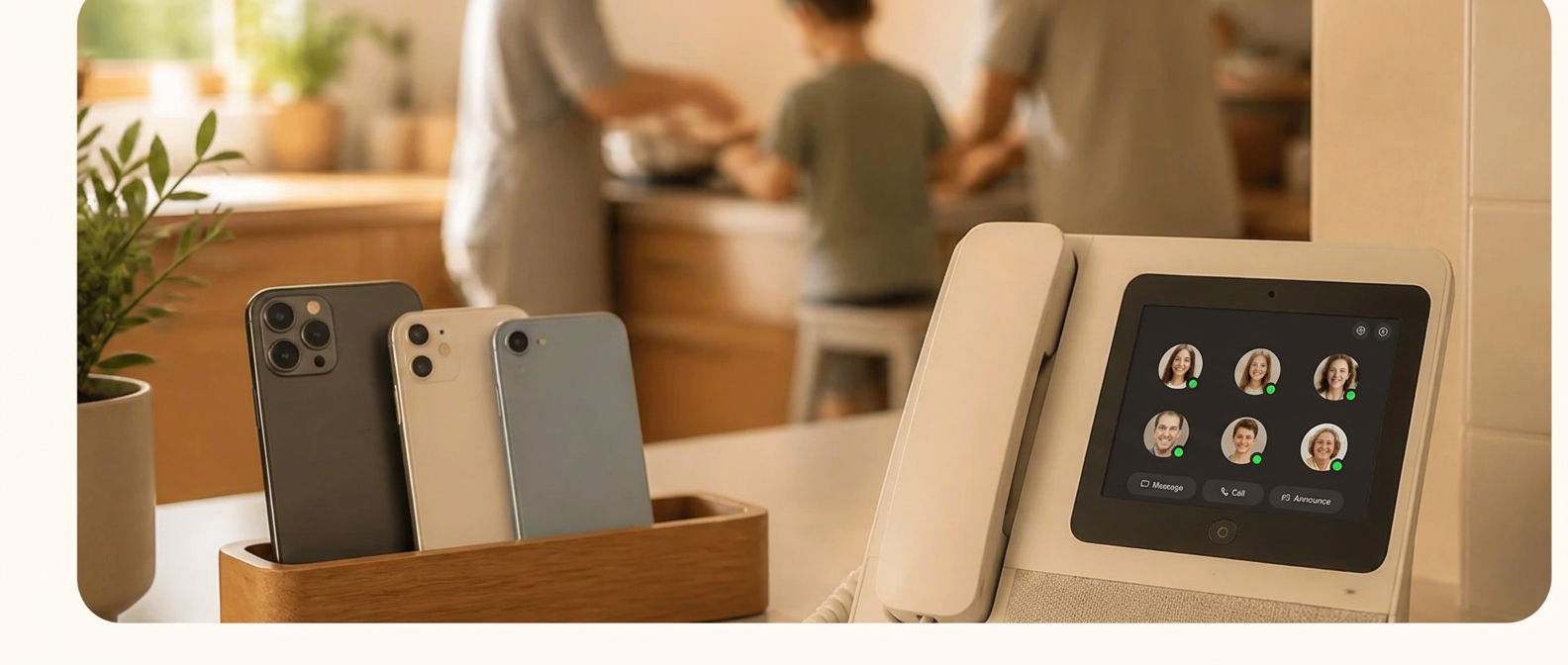
HomeLine creates a new communication layer between personal devices and the household. When family members are home, communication shifts to the shared hub. When they leave, it returns to their personal device.

Three parts, one system

Parent App. HomeLine Hub. Cloud Platform.

Parent App

Controls HomeLine Mode. Parents decide who switches, when, and what communication is allowed.

HomeLine Hub

A modern family phone in a shared space. The device asks who is using HomeLine, then shows a personal screen for each family member.

Cloud Platform

Handles routing, voicemail, caller identity, and communication management between personal devices and the household.

01

Put HomeLine in your home

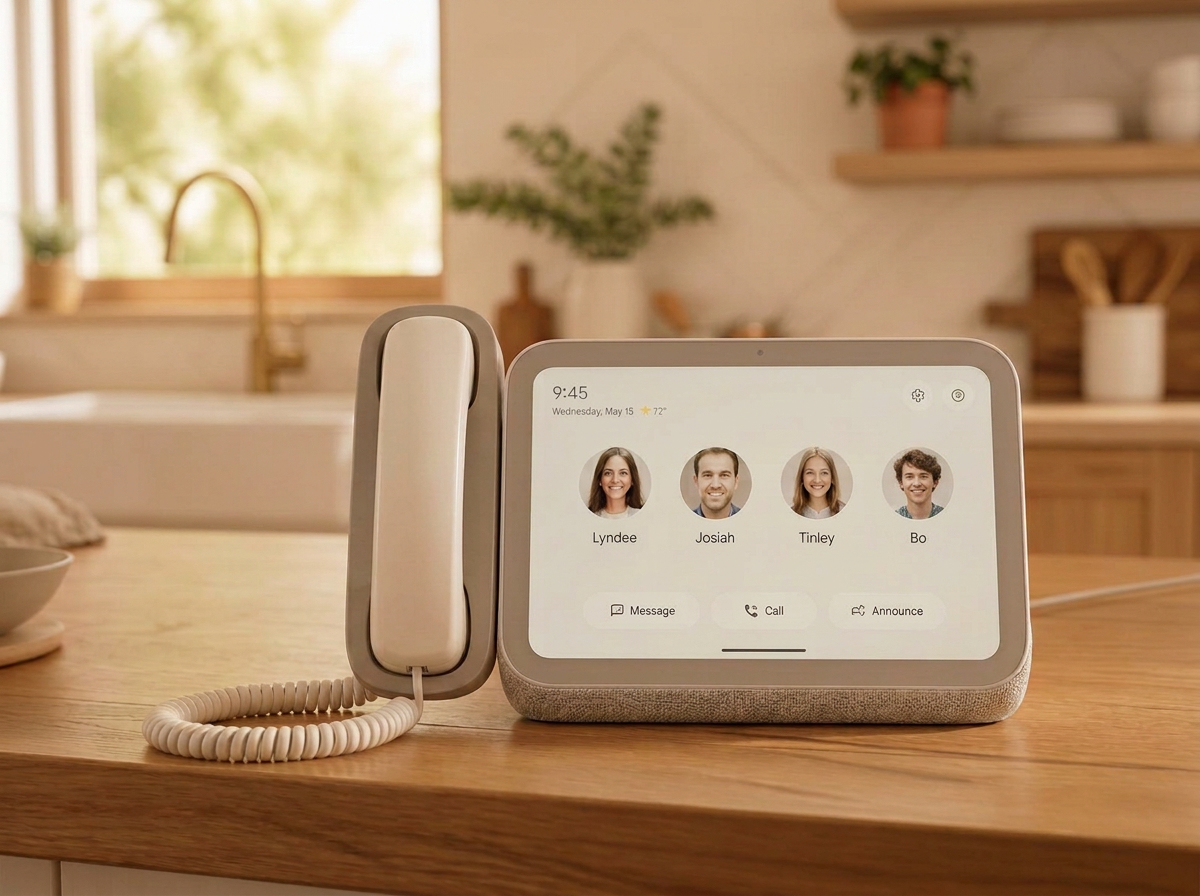
HomeLine plugs in and connects to Wi-Fi in about two minutes. Place it where the family already gathers — the kitchen counter, entryway, or hallway upstairs.

  • Plug in and connect to Wi-Fi
  • Name the device by room
  • Add more devices anytime
HomeLine device placed on a kitchen counter

02

Parents set the rules

Choose who goes into HomeLine Mode and when. Kids' phones can switch automatically the moment they arrive home; parents tap I'm Home whenever they are ready to put their phone down.

  • Automatic switching for kids at home
  • Scheduled quiet times for homework, dinner, or bedtime
  • Full phone function restored when they leave home

Parent 1

iPhone → HomeLine

Child 1

iPhone → HomeLine

Grandparent

Trusted contact

Babysitter

Babysitter

03

Communication follows the family

HomeLine Mode moves calls, messages, contacts and selected messaging apps from the smartphone to the hub. Each family member gets their own screen, and the household keeps a dedicated family number.

  • Personal profile for every family member
  • Calls, messages, contacts and favorites move to HomeLine
  • A dedicated family number for the household

Who’s using HomeLine?

P

Parent 1

P

Parent 2

C

Child 1

C

Child 2

Thoughtful by design.

Parents stay in control

Choose who can reach each family member, who each family member can call, and what happens with unknown callers.

Calling hours

Set quiet hours per person so the device stays calm at bedtime, homework time, or dinner.

Two ways to be reached

Personal: your own number routes to your HomeLine profile while you're home. Family: the household number works like a modern family phone.